Cinematic Lightroom Presets

for  mobile & desktop

Accurate & Cinematic, with Lightroom.

These cinematic Lightroom presets are built to give your photos a consistent, timeless look with balanced contrast, soft highlights and subtly lifted shadows. Inspired by the exact tones I use in my own photography, they enhance mood without overediting your images.

Perfect for street, travel and landscape photography, they help you build a strong visual identity across Instagram and beyond. These are the same tones behind my 20K+ growing community and the cinematic style you see in my work.

Presets Packs
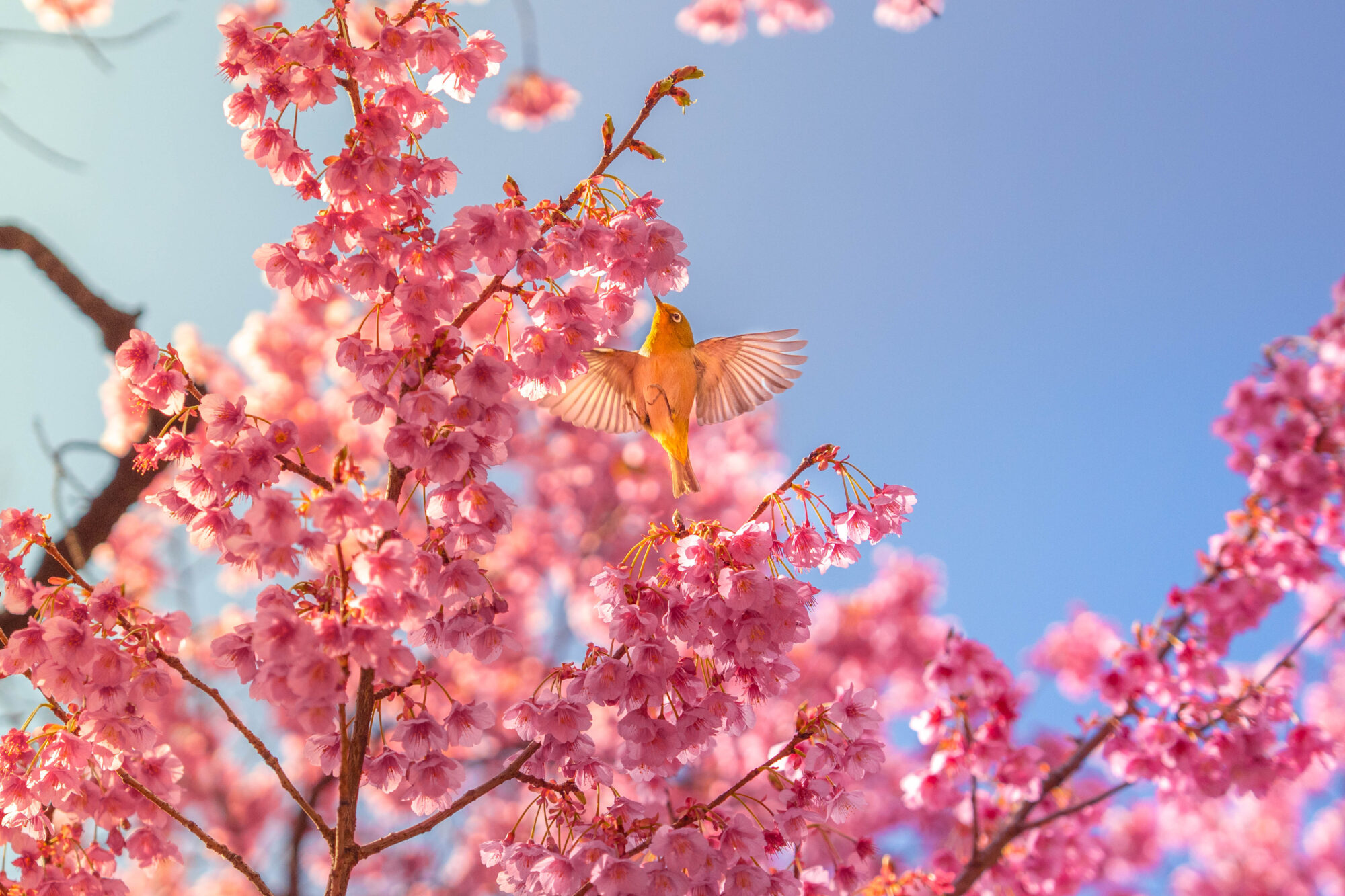
Before & After Examples

Before-and-after examples show the visual impact these presets can achieve in just one click. However, results may vary depending on factors such as the original lighting conditions, white balance, exposure, and whether the image was shot in RAW or JPEG.

These presets are designed to provide a strong cinematic starting point that can be easily fine-tuned to match each photo.

What’s Included

Each preset pack includes everything you need to achieve a consistent cinematic look quickly and efficiently:

⚡️ High-quality Lightroom presets designed for cinematic color grading

⚡️ Compatible formats for Lightroom Mobile (DNG) and Lightroom Desktop / Classic (XMP)

⚡️ Step-by-step installation guide for fast setup

⚡️ Instant digital download after purchase

⚡️ Lifetime access and future updates (if available)

If you choose a bundle, you get multiple preset collections at a reduced price compared to purchasing them individually. Bundles are ideal for photographers and creators who work across different environments—such as travel, street, and landscape—and want maximum flexibility while maintaining a consistent visual style.

Compatibility (Mobile & Desktop)

These presets are fully compatible with both Lightroom Mobile and Lightroom Desktop, making them easy to use across different devices and workflows.

⚡Lightroom Mobile (iOS & Android) – works with the free version of the app

⚡Lightroom Desktop (Windows & Mac)

⚡Lightroom Classic (XMP format supported)

⚡ Compatible with most recent versions of Adobe Lightroom (Lightroom CC 2018 or newer recommended)

For best results, we recommend editing RAW images, although the presets also work with JPEG files and can be fine-tuned depending on lighting conditions and exposure.

How to Install (Quick Steps)

Installing your presets takes just a few minutes. Follow these simple steps:

1. Download your preset pack after purchase.

2. Open Adobe Lightroom on your device.

3. Import the preset files (DNG for Mobile or XMP for Desktop).

4. Apply the preset to your photo with one click.

5. Adjust exposure and white balance if needed to match your image.

For a detailed walkthrough, see the full installation guide here:

Frequently asked questions
FAQ
What are Lightroom Presets?

Lightroom Presets are pre-configured editing settings that you can apply to your photos with just one click. They instantly enhance colors, contrast, tones, and mood, helping you achieve a consistent and professional look across your photography.

Why choose egeastudio?

Each preset pack is handcrafted by a visual designer and photographer with years of experience in color grading and storytelling. At egeastudio, we focus on versatility, aesthetics, and usability—so whether you’re a creator, a traveler, or a hobbyist, you’ll get cinematic results that elevate your photos.

What’s The Difference Between The Mobile And Desktop Presets?

The Mobile Presets are compatible with the free Lightroom Mobile app and are perfect for editing on the go. The Desktop Presets require a Lightroom subscription and offer more control and precision when editing on your computer. Both versions give great results—just choose the one that fits your workflow best!

I don’t have much editing experience, can I still use these presets?

Absolutely! These presets are beginner-friendly and come with an easy installation guide. Just apply, adjust exposure or white balance if needed, and you’re good to go. No experience required—just creativity!

I lost my files, can I download the presets again?

No worries. After purchase, you’ll receive a download link via email. If you lose your files, just contact us with your order number, and we’ll resend them.

Do the presets have any time limit or expiration date?

No, the presets are yours for life. Once downloaded, you can use them as many times as you like, with no expiration or hidden fees.

About the Creator

Installing your presets takes just a few minutes. Follow these simple steps:

1. Download your preset pack after purchase.

2. Open Adobe Lightroom on your device.

3. Import the preset files (DNG for Mobile or XMP for Desktop).

4. Apply the preset to your photo with one click.

5. Adjust exposure and white balance if needed to match your image.

For a detailed walkthrough, see the full installation guide here:

Contact / Support

If you have any questions about installation, compatibility, or how to get the best results from your presets, feel free to get in touch.

We’re happy to help with setup guidance, troubleshooting, or workflow tips to make sure you get the most out of your purchase.


Contact support link

Play reel
Scroll